
 Start on WhatsApp
Pay, Send And Receive
Money Globally As Simple As A Chat
Send and receive money worldwide - instantly on WhatsApp

Received, Chris 👑
₦35,000,000



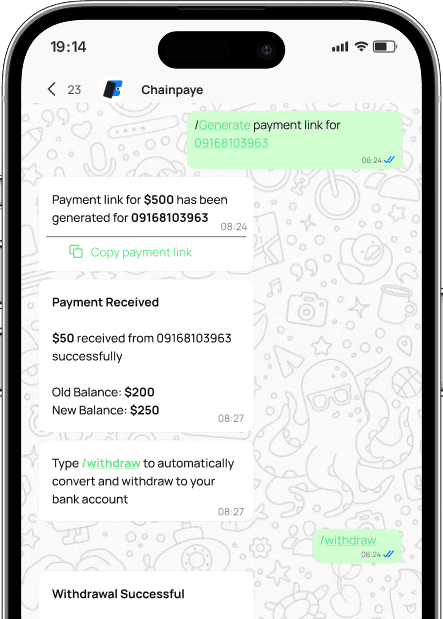
Send and receive Money instantly on WhatsApp
With Chainpaye, anyone can send and receive money globally, and withdraw to their local bank or mobile money - all inside a Whatsapp chat.
Get Started with Chainpaye in Three Simple Steps
Join Chainpaye in minutes and start receiving payments globally
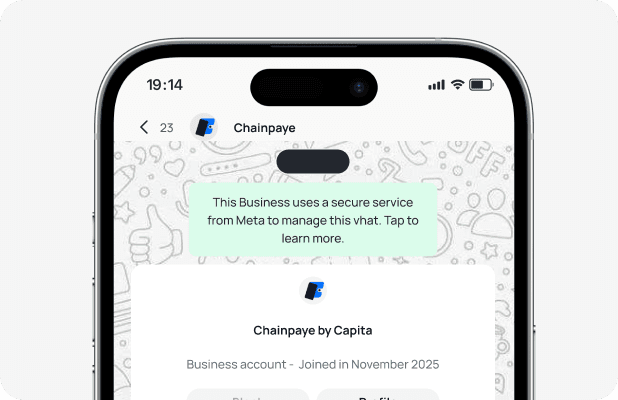
Step 1
Start a WhatsApp Chat
Click here to get directed to our WhatsApp AI agent.
Our AI Agent greets you instantly - no app download required
Verify your identity securely inside WhatsApp
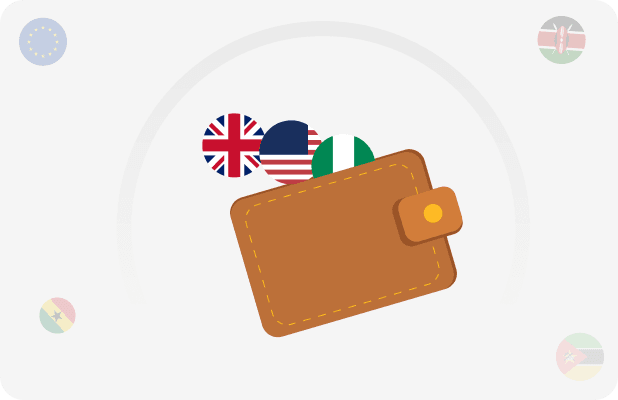
Step 2
Add Your Bank or Mobile Money
Type 'Add Bank' or select from menu
Enter your bank or mobile money details
Get verified in under 60 seconds
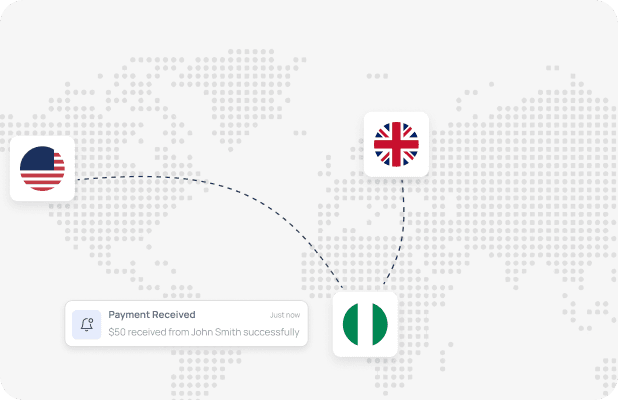
Step 3
Start Receiving Payments
Share your Chainpaye WhatsApp number or link
Receive money from anyone, anywhere in the world
Withdraw instantly to your bank or mobile money
Real world application
Discover how people and businesses use Chainpaye
Get ready to scale with our payment APIs
Quick setup, easy integration
Flexible APIs for any payment use case
Production-ready in under 30 minutes